
Customer help and AI Assistant
The pages that help customers find what they want and get in touch with you.
AI tools: the AI Assistant runs on Claude or ChatGPT, depending on your Platform Setup.
AI Assistant
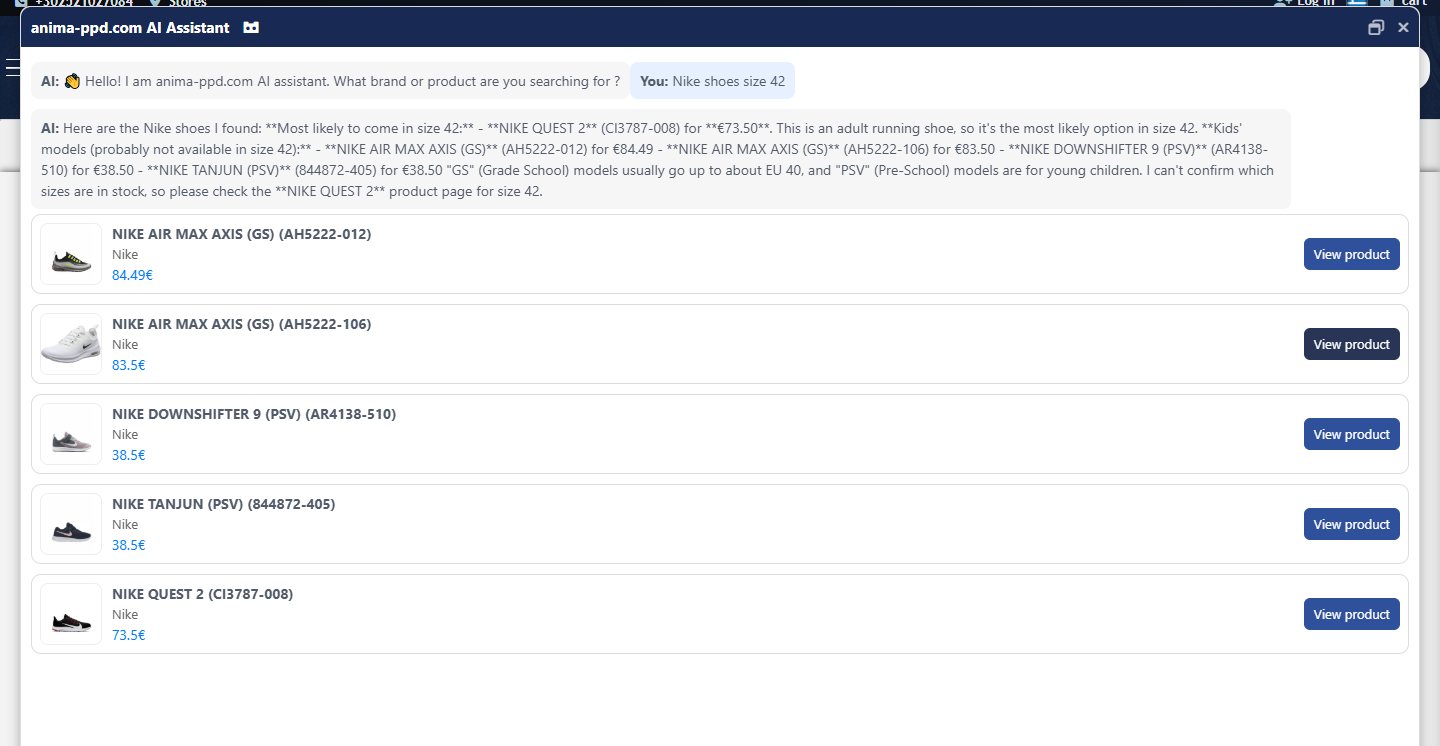
It opens from the button at the bottom right. The customer writes in their own words, for example “Nike shoes size 42”, and the assistant recognises the kind of product, brand, colour, size and price range. It replies and shows up to 5 products of the store with photo, price and a view button. If nothing is found, it suggests categories.
- Voice: with the microphone the customer can speak instead of typing (in browsers that support it).
- Maximise on a computer. On a phone the window fills the screen.
- Language: it answers in the store’s language and greets a logged-in customer by name.
Availability in a particular size is confirmed on the product page. AI answers are a helping aid.
Appointments
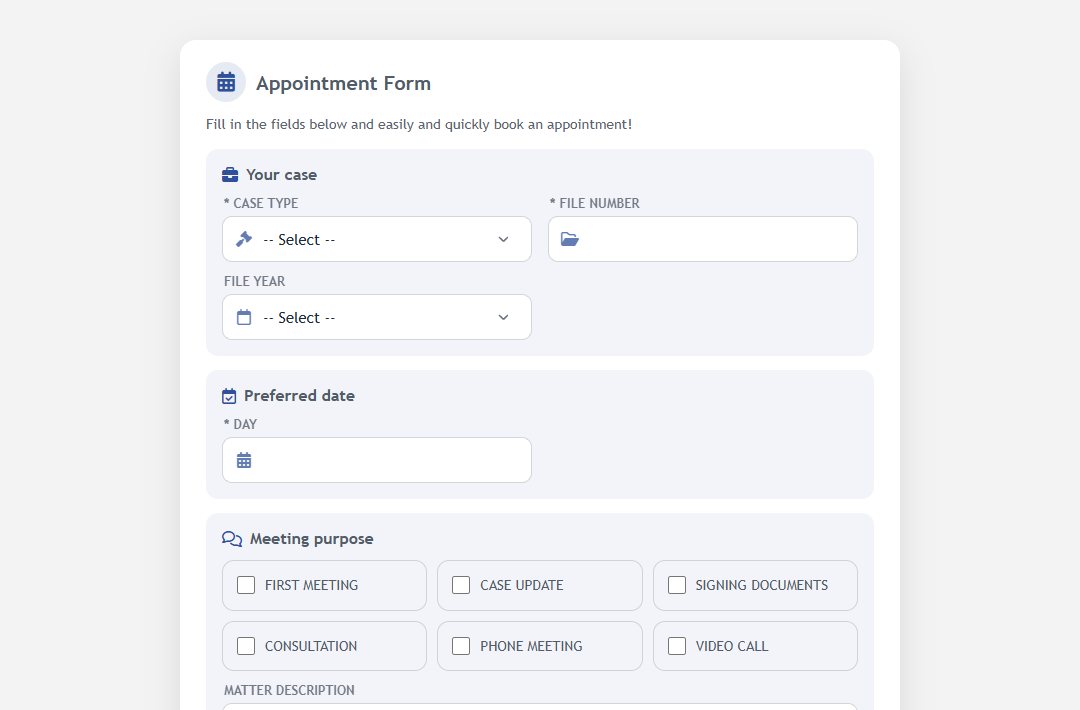
The customer fills in the fields, picks a day and time and sends the request. You define fields, texts and schedule in Appointments.
Stores
It opens from the Stores link in the top bar and at the bottom of the page. This is how it looks:
- Map: a Google map with a pin for every active store. Clicking a pin shows the store’s name, which leads to its page.
- Cards: one for each store, with its main photo, its name and details and the photo caption.
- Opening hours: a table with each store’s hours per day and a link to Google Maps.
Clicking a card opens the store page: the map zooms to that store, its photos are shown as a gallery that enlarges on click, and the table shows only its own hours. The page follows the store’s language.
Brands
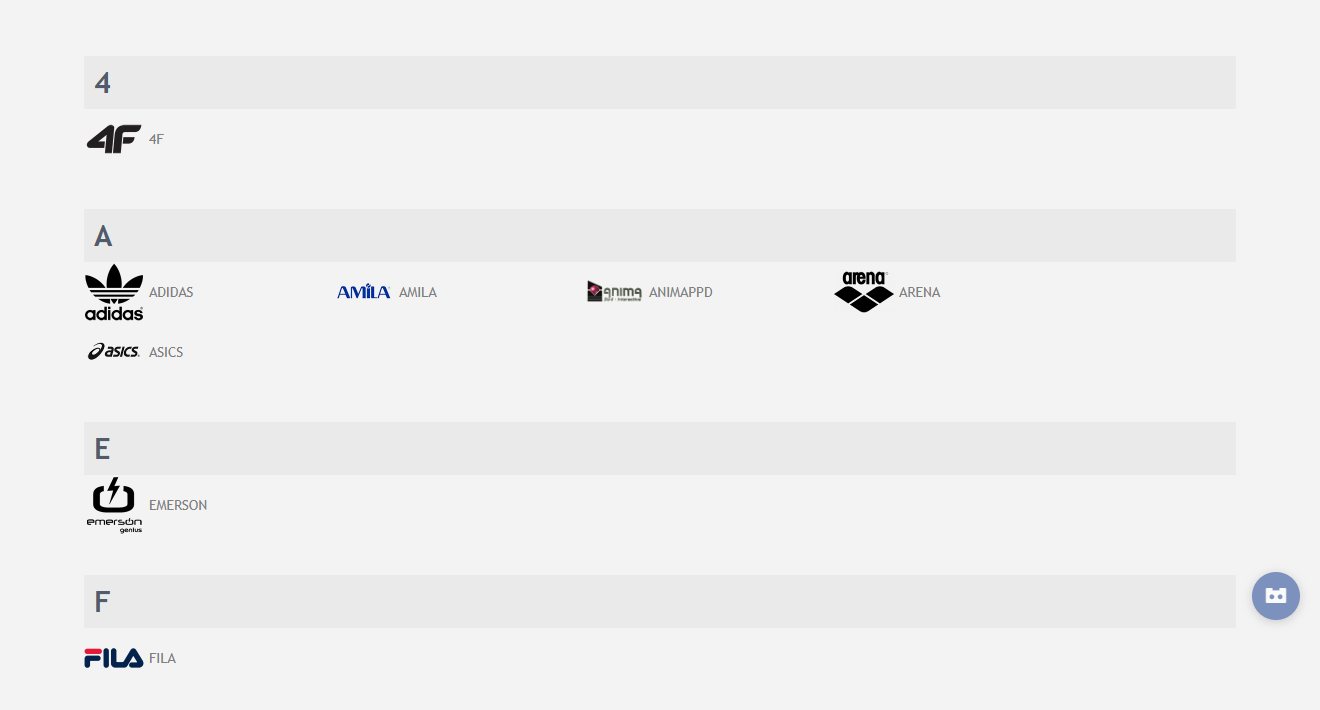
All manufacturers in alphabetical order with their logo. Each one opens the list of its products.
Contact
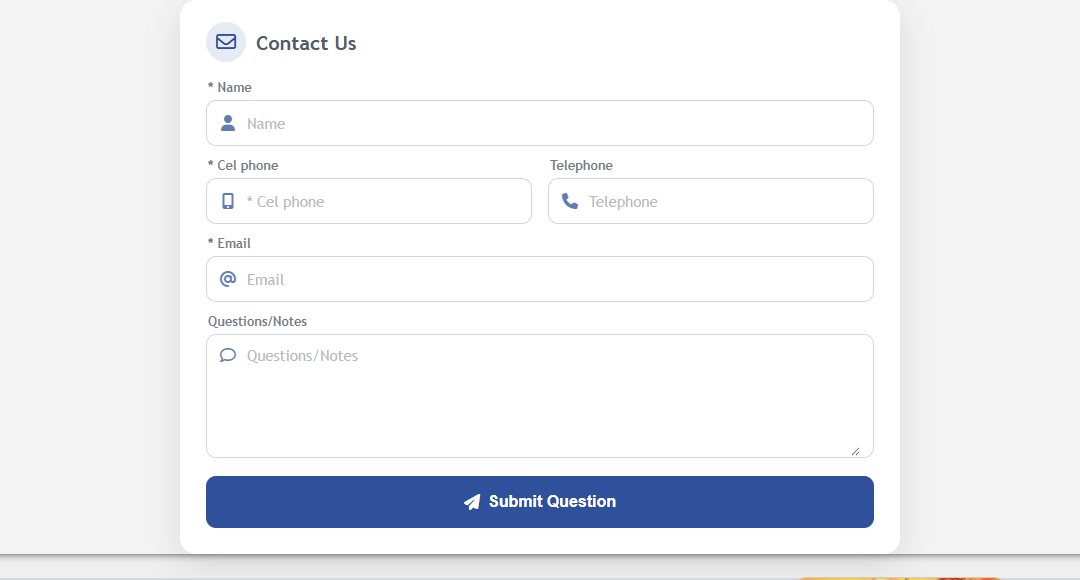
Name, phone, email and the customer’s question, which reaches the store’s email.
Information pages
Terms of use, payments, shipments, return terms, order tracking and privacy policy, plus the store’s History. They open from the links at the bottom of every page.