
Customer account
An account is not required for buying, but it gives the customer their orders, favourites and pre-filled details at checkout.
Log in
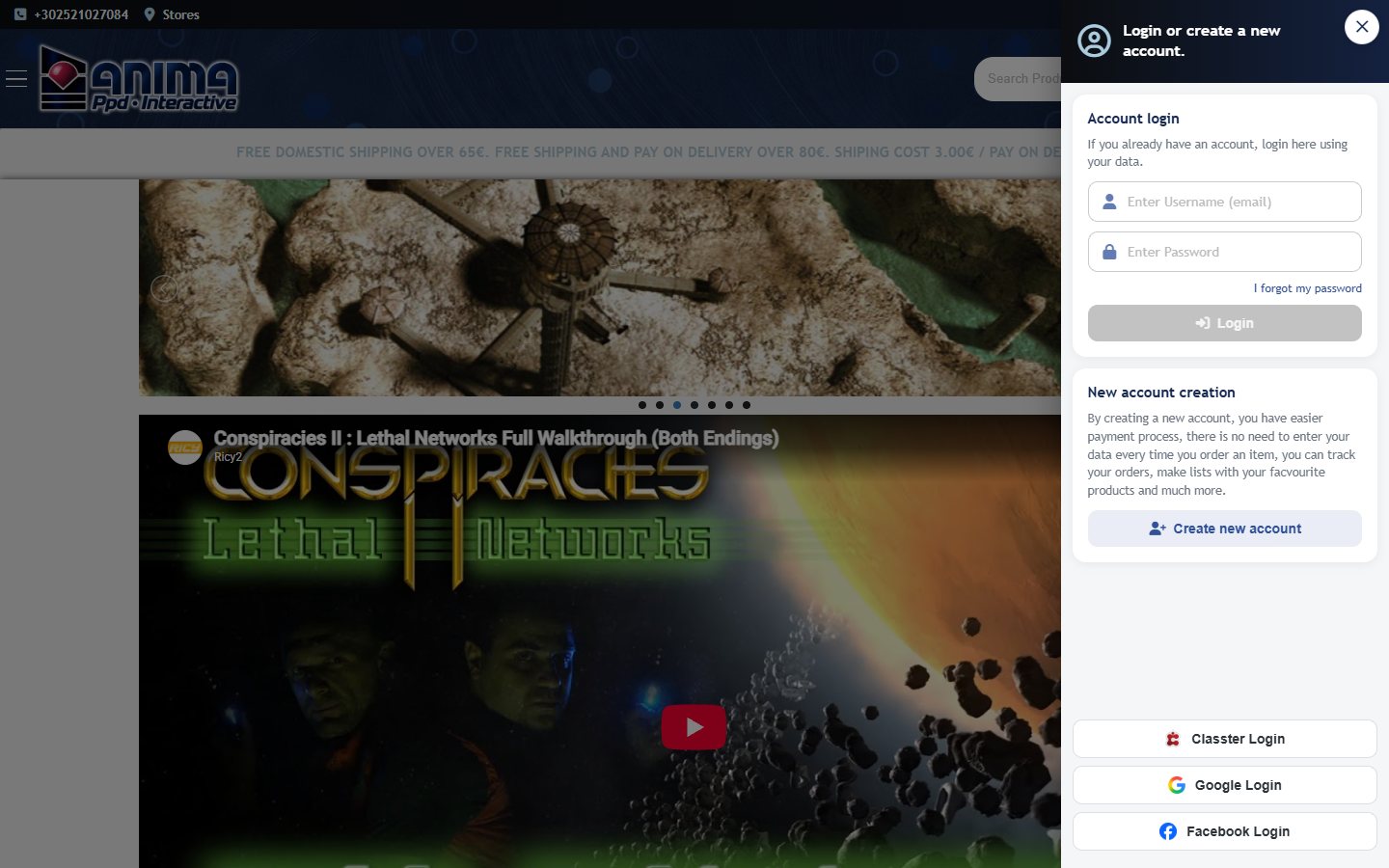
Logging in uses email and password, with a forgotten password link. When the related modules are active, login with Google, Facebook or Classter is offered too. From the same panel a logged-in customer opens their orders, edits their account and logs out.
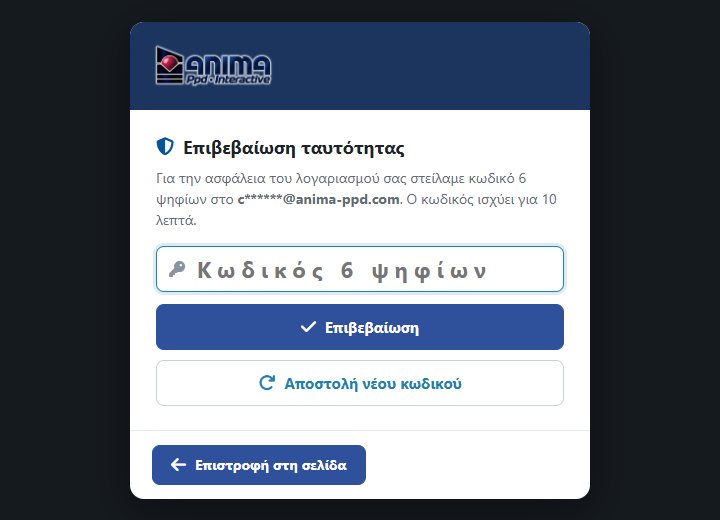
Admin security: accounts with access to the admin panel also confirm the login with a 6-digit code sent to their email. Regular customers do not need this step.
Registration
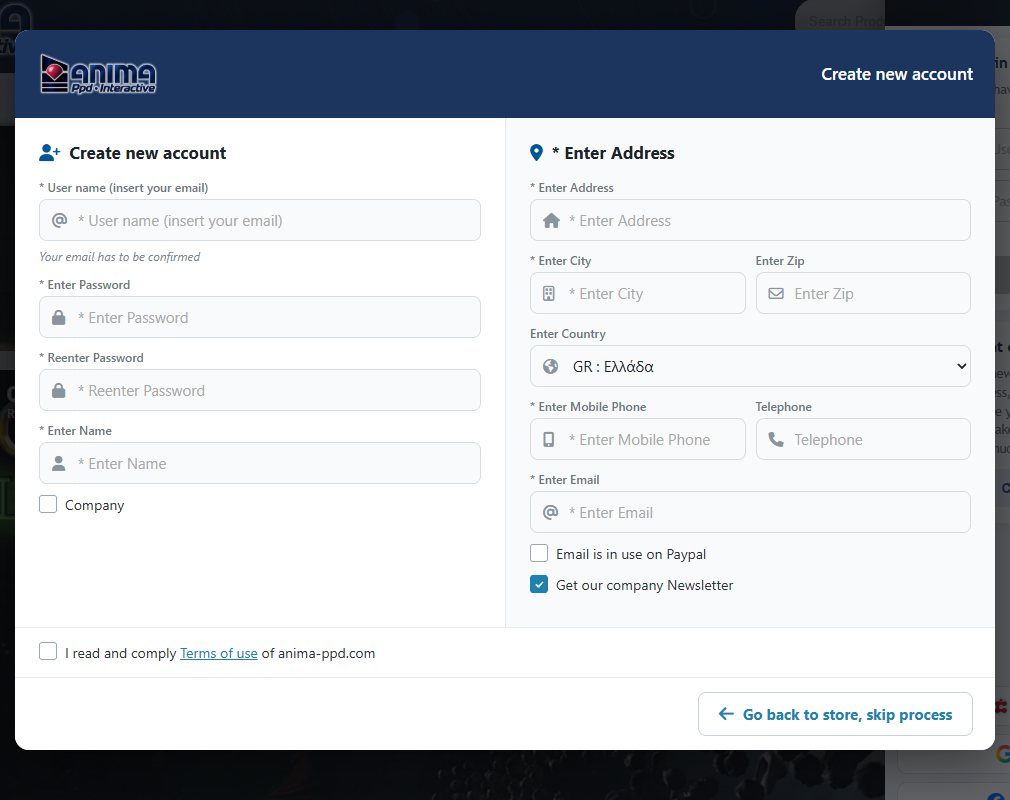
The customer gives email, password, name, address and phone, states whether they are a company and whether they want the newsletter, and accepts the terms. The email address is confirmed by message.
My orders
Each order is shown as a card, newest first: status, shipping and payment method, products with photo, discount and total. If there is a change or return, its products and whether it is completed are shown.
Favourites
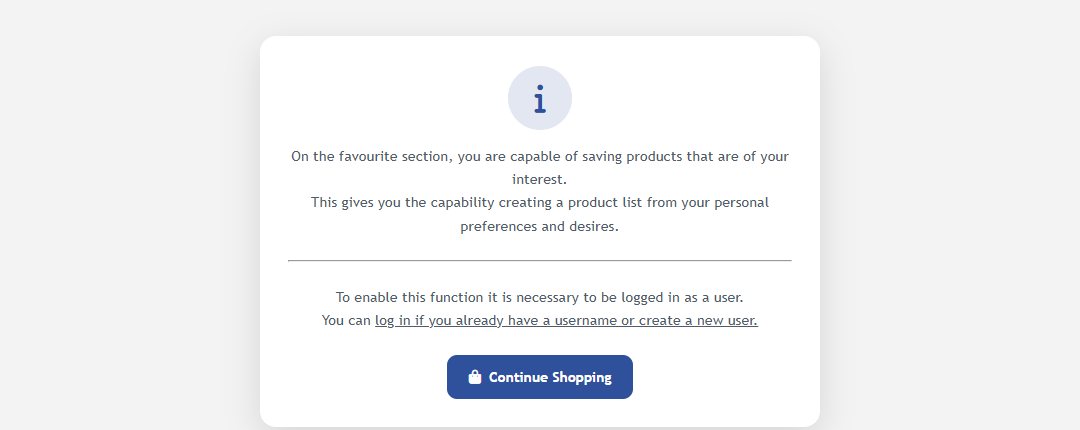
With “add to favourites” the customer builds a personal product list and removes items at any time. Without logging in, the page asks them to log in or register.
Changes / Returns
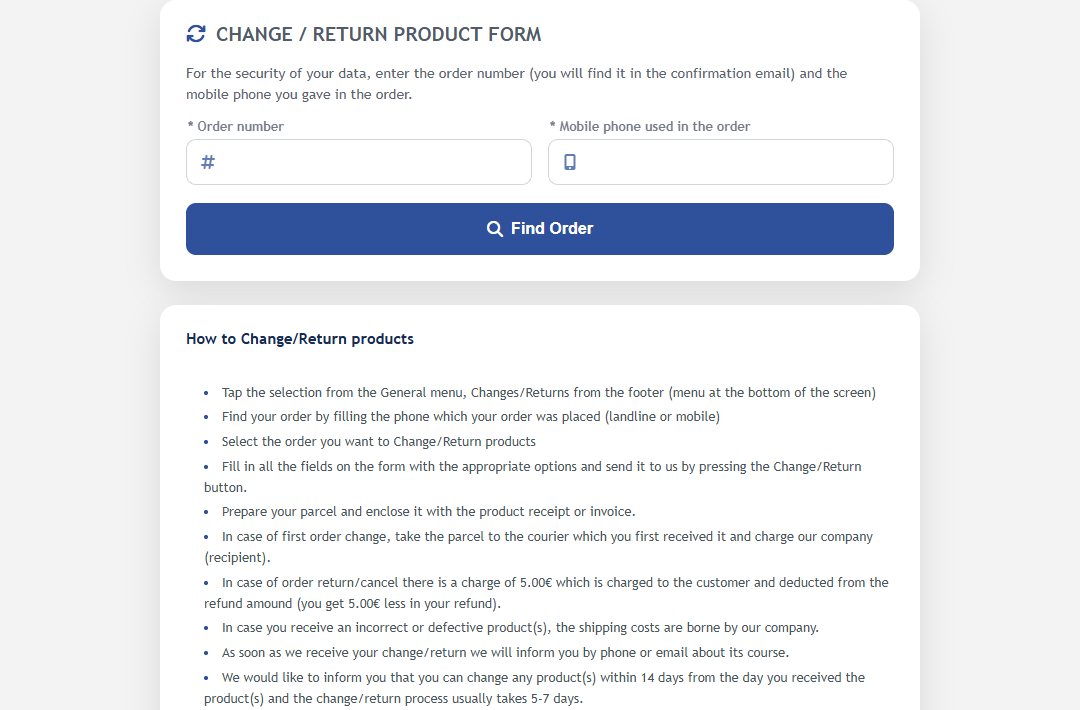
- The customer enters the order number and the phone number of that order. No account is needed.
- They choose the products and whether they want a change (another product or size) or a refund.
- Where needed they fill in bank details, then submit the request.
You handle the request in Returns.
Rating a purchase
After an order you can email the customer a personal rating link. Each order is rated once. See Evaluations.
Personal data (GDPR)
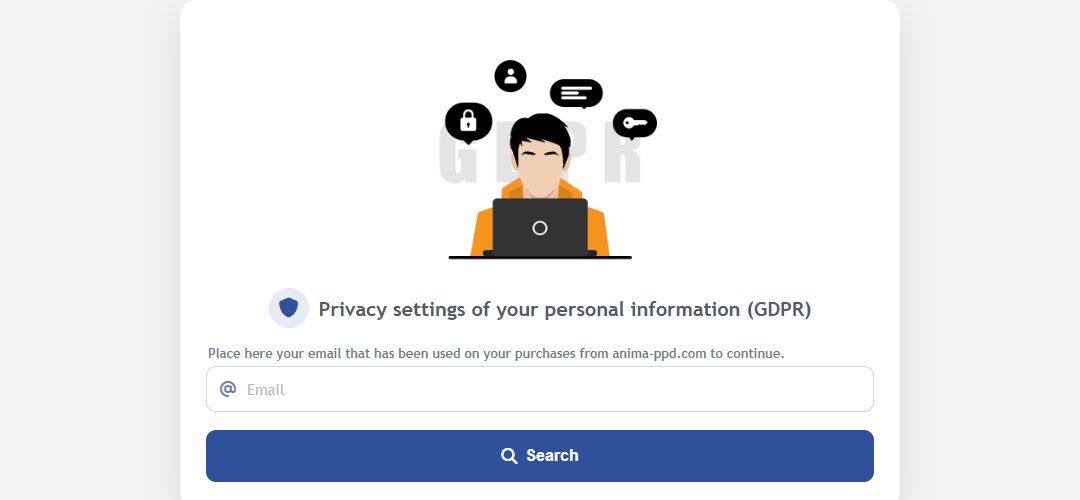
The customer enters their email and chooses what happens to their newsletter, orders and account (keep or delete). The action runs only after they confirm it from the email they receive.